
Currently Empty: $0.00
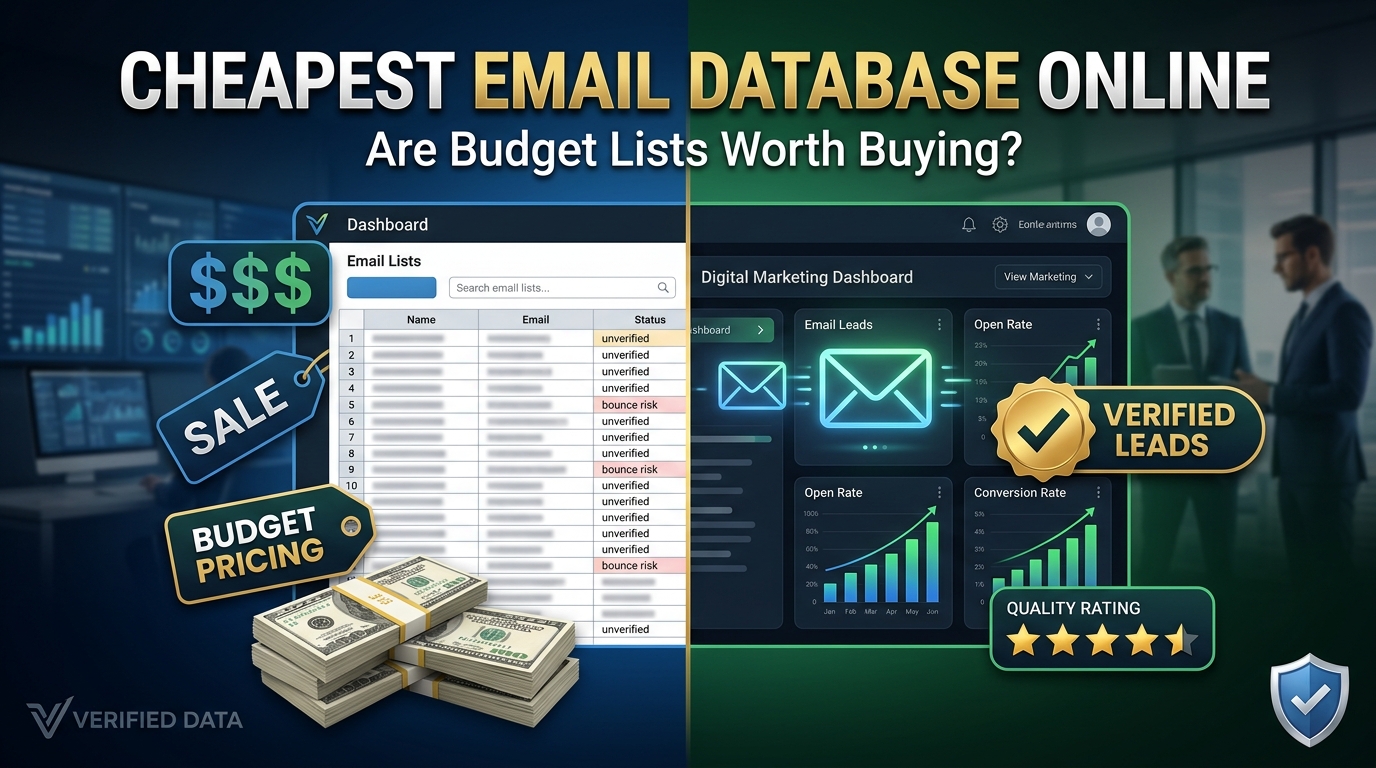
Cheapest Email Database Online Review: Are Budget Lists Worth Buying?
There’s a moment every bootstrapped marketer knows well. You’re staring at a landing page promising “500,000 verified emails for $29” and your cursor is hovering over the buy button. Part of you knows it sounds too good. The other part — the part that’s been grinding for months without results — is already picturing those conversion numbers.
I’ve been that person. More than once, honestly.
Over the past few years, I’ve tested, bought, regretted, and occasionally been pleasantly surprised by cheap email databases across different niches — B2B software, consumer lifestyle products, and local service businesses. I’m not going to pretend I have a perfect track record here. But I’ve learned enough to give you a genuinely honest picture of what budget email lists actually deliver, when they’re worth it, and when they’ll quietly destroy your domain reputation before you even realize what happened.
Let’s get into it.
What “Cheap” Actually Means in the Email Database Market
The price range for email databases online is wild. You can spend:
- $9–$49 for massive consumer lists on sites like Fiverr, data marketplaces, and random vendor websites
- $50–$200 for “niche-targeted” lists promising specific demographics or industries
- $300–$800+/month for legitimate B2B platforms like Apollo.io, Hunter.io, or Lusha with smaller but verified contact records
The budget end — anything under $100 for a large list — is what we’re really talking about here. And I want to be specific about what you’re usually getting in that price range, because the marketing language vendors use is genuinely misleading.
Words like “verified,” “targeted,” “opt-in,” and “fresh” are almost entirely unregulated in the data industry. A vendor can call a three-year-old scraped list “verified” because they ran it through a basic syntax check. “Opt-in” might mean the contacts agreed to receive something from someone years ago — not from you, not about your product.
That’s the first thing to internalize before you spend a dollar.
I Tested Three Budget Email Databases. Here’s What Happened.
Let me walk you through three real tests I ran, with different expectations and different niches. I’m not naming the specific vendors because two of them have since changed ownership, and I don’t want to send anyone their way based on stale info. But the patterns are what matter.
Test #1 — The $29 “500K Consumer List” (Health & Wellness Niche)
This was my first real foray into purchased lists. Half a million emails for less than a takeout dinner. The vendor’s site looked professional, had testimonials, and even offered a “freshness guarantee.”
I imported a segment of 10,000 records into a separate sending account (smart move — protect your main domain always) and ran a basic warm-up sequence before sending.
Results after the first campaign:
- Hard bounce rate: 34%
- Spam complaint rate: 2.1%
- Open rate: 1.8%
- Actual revenue generated: $0
My sending account got flagged by Gmail within two weeks. The “verified” list was so stale that a third of those emails didn’t even exist anymore. The open rate that did happen was mostly bots and spam traps — the kind of automated systems that poison your sender score without any real human ever seeing your message.
Total cost when you factor in the ESP account, warm-up time, and the weeks spent cleaning up my sender reputation: way more than $29.
Test #2 — The $149 “Industry-Targeted B2B List” (SaaS / Tech Niche)
This one was more expensive but marketed specifically at B2B marketers. The vendor promised IT decision-makers and software buyers with verified work emails. I paid for 5,000 contacts.
I was more careful this time. I ran the list through ZeroBounce before sending anything. Results: 22% invalid, another 14% flagged as “risky” (catch-all domains, role-based addresses like info@ and admin@). So out of 5,000 contacts I paid for, roughly 1,800 were actually worth attempting.
I ran a cold outreach sequence — three emails over two weeks, personalized subject lines, genuine value proposition.
Results:
- Open rate: 11% (not terrible for cold outreach)
- Reply rate: 0.4%
- Meetings booked: 2
- Conversions: 0
The two meetings were genuine, which was more than my health niche disaster. But the economics didn’t work. At $149 for the list plus email tooling, I spent about $200 to book two meetings that went nowhere. Compare that to LinkedIn outreach or a well-placed ad — the math just doesn’t favor cheap B2B lists.
Test #3 — The $75 “Local Business Owner List” (Marketing Services Niche)
This one surprised me slightly. I was pitching a local SEO service to restaurant and retail business owners in specific U.S. cities, and found a vendor selling geo-targeted lists of small business owners with phone + email.
I verified the list first (about 18% invalids), segmented by city, wrote hyper-local subject lines referencing actual local context (“Hey, noticed you’re near [landmark]…”), and kept my volume low — 50 emails a day max.
Results over 30 days:
- Open rate: 16%
- Reply rate: 1.8%
- Actual conversations started: 9
- Clients signed: 1 ($600/month retainer)
So this one technically “worked” — but barely, and only because I put a lot of additional effort into the targeting, personalization, and sending discipline. The list itself was average. My process around it is what made it functional.
The Honest Breakdown: What Budget Lists Are Actually Good For
After enough of these tests, here’s my actual take on when cheap email databases are worth considering — and when they’re a trap.
They might be worth it if:
- You’re in B2B and have a very specific, geo-targeted, or industry-specific need that legitimate platforms like Apollo don’t cover well at your budget
- You’re willing to run every record through a proper verification tool before sending (ZeroBounce, NeverBounce, or Millionverifier are all solid)
- You’re sending from a separate domain or subdomain, not your main business email
- You have genuinely compelling, personalized outreach — not a generic blast
- You can measure ROI quickly and cut losses fast
They’re almost certainly a waste of money if:
- You’re in a B2C or lifestyle niche (beauty, fitness, food, fashion, personal finance for consumers) — cold lists almost never work here
- You expect to just upload and blast without any additional work
- You’re sending from your primary domain and can’t afford reputation damage
- Your offer requires trust before conversion (coaching, high-ticket products, anything health-related)
- You’re in the EU or targeting EU residents — GDPR makes cold outreach on purchased lists genuinely legally risky
The Hidden Costs Nobody Mentions
The $29 or $99 price tag is the beginning of the cost, not the end. Here’s what you’ll actually spend:
Email verification: Running 10,000 records through ZeroBounce costs roughly $15–25. Worth it every time, but it’s an additional cost the vendor conveniently doesn’t mention.
A separate sending domain: You should never cold-email a purchased list from your main business domain. Registering a separate domain, warming it up properly (using tools like Instantly.ai or Lemlist’s warm-up feature), and managing it adds both time and money.
Deliverability recovery: If you skip the above steps and hammer a bad list from your main account, fixing your sender reputation can take 4–8 weeks of careful sending. During that time, even your legitimate subscribers may not be getting your emails.
Your time: Cleaning, segmenting, personalizing, and testing a cheap list properly takes real hours. If your time is worth anything, that adds to the true cost significantly.
What the Legit Platforms Do Differently (And Why They’re Pricier)
Platforms like Apollo.io, ZoomInfo, Hunter.io, and Cognism charge more because they’re doing things the cheap vendors aren’t:
- Regular database scrubbing — contacts are re-verified on a rolling basis, not once at collection
- Intent data — some platforms can tell you which companies are actively researching solutions like yours right now, based on their web activity
- Compliance documentation — they can actually tell you how and when each contact entered their system
- Enrichment — beyond email, you get job titles, company sizes, tech stacks, LinkedIn URLs, and other signals that make personalization possible
I’ve used Apollo’s free tier and it’s genuinely impressive for small-scale prospecting. Even at its paid tiers, the per-contact quality beats a $29 bulk list so thoroughly that the comparison feels unfair.
For B2B specifically, I’d rather have 200 well-researched contacts from Apollo than 50,000 mystery emails from a budget vendor.
Practical Steps If You’re Going to Buy a Cheap List Anyway
Look, I’m not going to pretend I can talk everyone out of it. Sometimes the budget is tight and the temptation is real. So if you’re going to do it, at least do it smart:
- Buy small first. Don’t commit to 500,000 records. Get 2,000–5,000 and test them thoroughly before spending more.
- Verify before you send. Upload the raw list to ZeroBounce or NeverBounce. Remove all hard invalids, role-based addresses (info@, hello@, support@), and anything flagged as a spam trap. Expect to lose 20–40% of the list. That’s normal.
- Use a cold domain. Register a domain variation (yourcompany-mail.com, getYourCompany.com), warm it up for 2–3 weeks using a tool like Instantly or Smartlead, and only then start sending.
- Keep volume low. 30–50 emails per day from a new domain. Ramp up slowly over 4–6 weeks. Don’t blast 10,000 records on day one.
- Write like a human. Generic “I wanted to reach out about our amazing solution” emails will tank your reply rates and generate spam complaints. Write short, specific, genuinely curious messages. One or two sentences about why this person at this company is relevant to what you offer.
- Track spam complaint rates obsessively. Anything above 0.1% in Gmail is dangerous territory. If you hit 0.3%, stop immediately and reassess.
- Have an exit plan. Set a clear metric for success before you start. If you’re not hitting it after 500 sends, cut the campaign. Don’t convince yourself it’ll get better.
The Verdict
Budget email databases are not inherently scams — but they’re also not what their vendors claim. They’re raw, aging, uneven data that requires significant additional investment (in tools, time, and care) to produce any return.
For B2C niches, I’d skip them almost entirely. Build your own list through content, lead magnets, and paid social. It takes longer, but the economics make sense and you won’t spend weeks recovering from a deliverability disaster.
For B2B, there’s a narrow window where budget lists can work — local, geo-targeted, or hyper-specific industries where bigger platforms have gaps. But treat them as raw material, not a finished product, and verify everything before you send a single email.
The marketers who make cold email work aren’t the ones with the biggest lists. They’re the ones who treat every contact like it matters — which, when you buy cheap in bulk, is genuinely hard to do.
That tension is really the whole story.
Have you tested a budget email list and want to share what happened? Drop your experience in the comments. The good, the bad, and the “I can’t believe I did that” stories are all welcome.